Quick Syntax
| Syntax | What it does |
|---|---|
| or -> or |> | Chain pipeline steps |
>> | Multi-line mode — each newline is a step |
::N | Primary param shorthand (e.g. pixelate::12) |
{:key value} | EDN params — numbers auto-parse, strings need quotes |
// | Comment — stripped before parsing |
Effects Reference
rgb-shift
rgbshift Chromatic aberration via RGB channel offset.
Param Short Default Info shift sh 15 Uniform shift all channels rShift rs — Red channel override gShift gs — Green channel override bShift bs — Blue channel override noise — 0.05 Noise intensity
rgb-shift {:rShift 25 :bShift -15} Presets :rgb-ghost :rgb-shatter 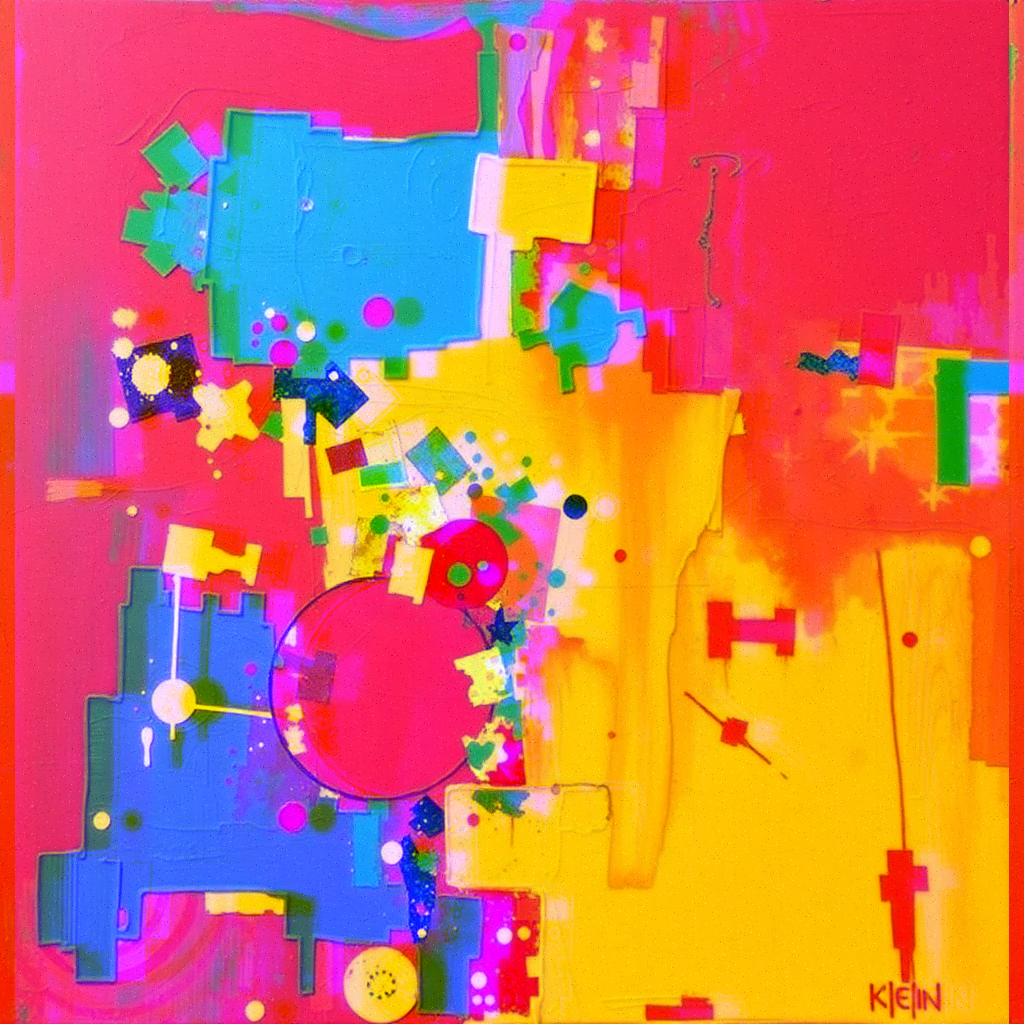
pixel-sort
pixelsort Shuffle rows by brightness with channel offset.
Param Short Default Info sortFraction — 0.15 Fraction of rows threshold — 0.1 Shuffle probability shift — 5 RGB channel offset px lines — 3 Scanline glitch lines
pixel-sort {:threshold 0.4 :shift 10} Presets :sort-cascade :sort-bleed 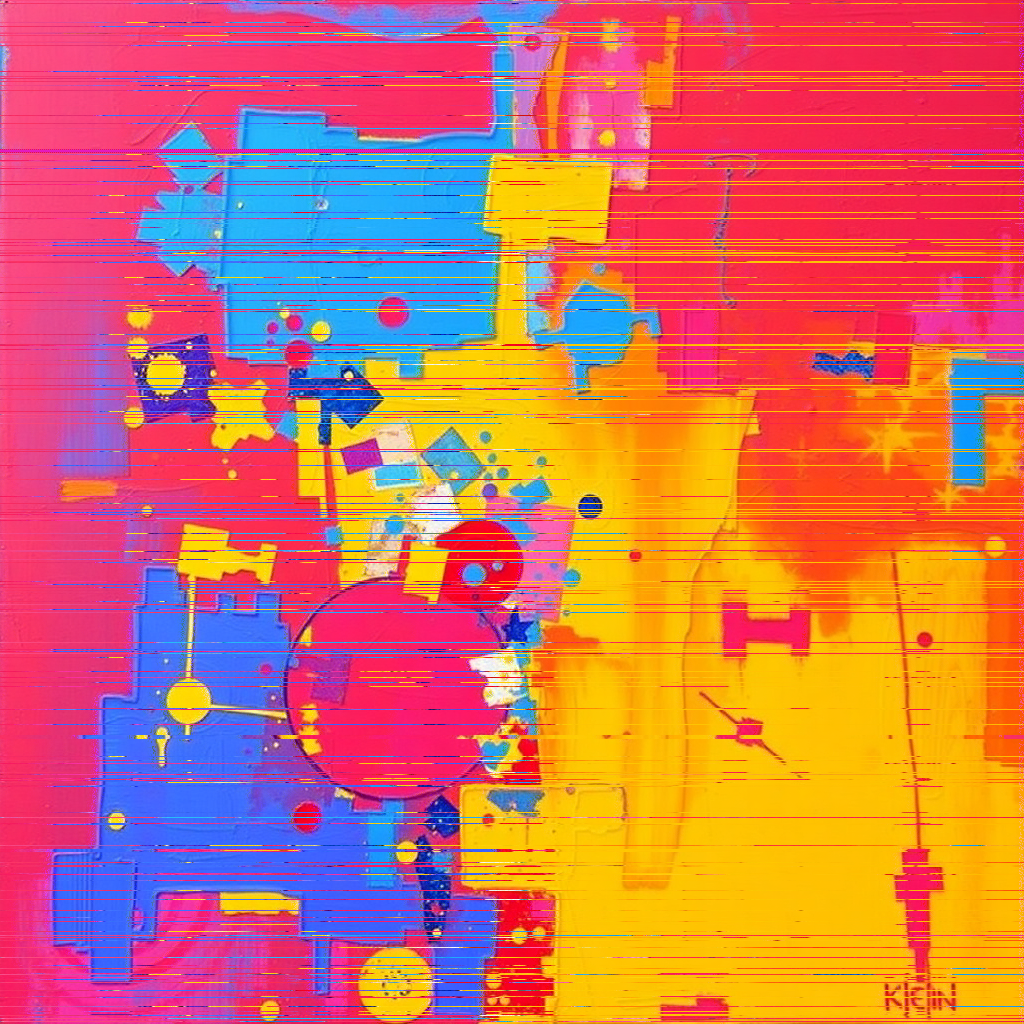
kaleidoscope
::N Triangular mirror reflection with zoom, rotation, and pan.
Param Short Default Info segments ::N 6 Visual segments zoom z 1.5 >1 zoom out, <1 zoom in rotate rot 0 Rotate output 0/90/180/270 angle a 0 Rotate pattern degrees x — 0 Center offset % (±100) y — 0 Center offset % (±100) sx — 0 Source pan % (±100) sy — 0 Source pan % (±100) sangle sa 0 Rotate source degrees
kaleidoscope::8 {:z 1.2 :sa 30} Presets :kaleido-mandala :kaleido-crystal :kaleido-infinity 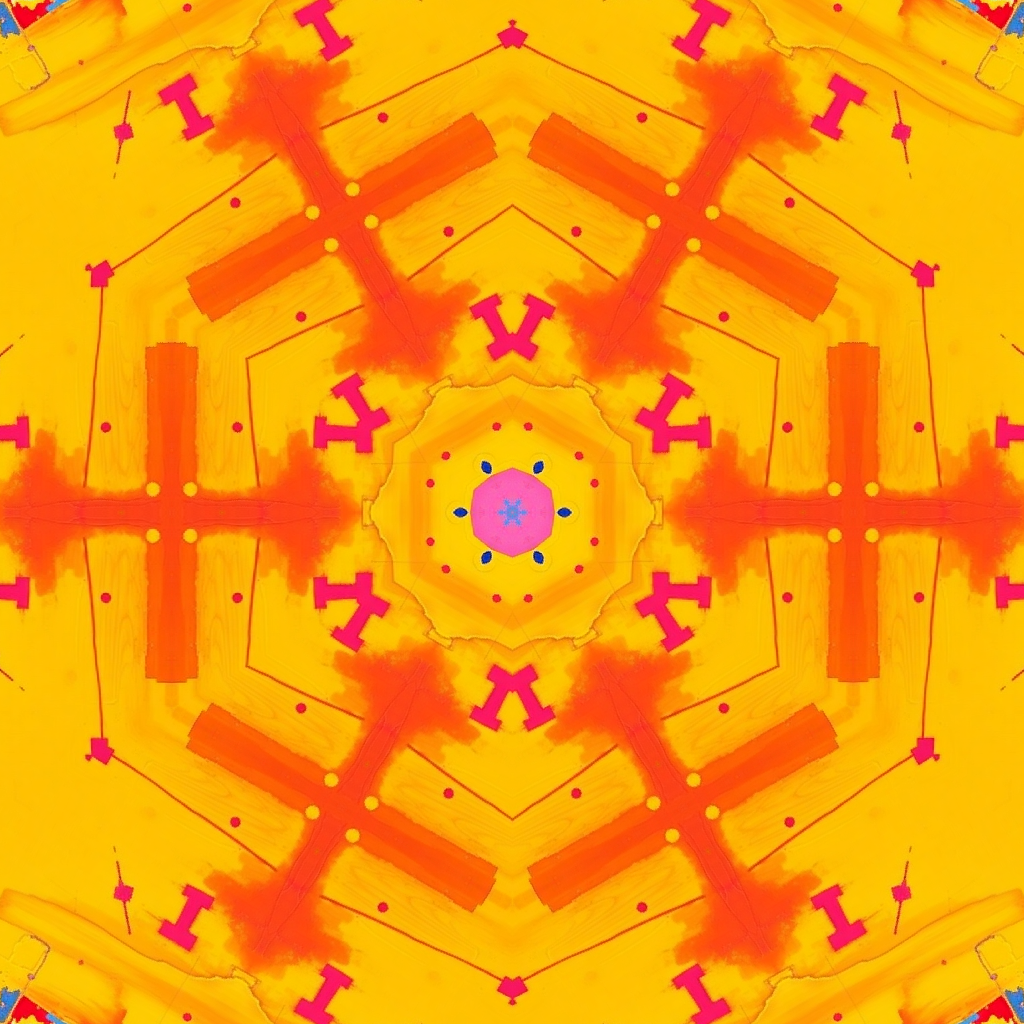
pixelate
::N Block averaging mosaic.
Param Short Default Info size sz, ::N 8 Block size px
pixelate::12 Presets :pixel-8bit 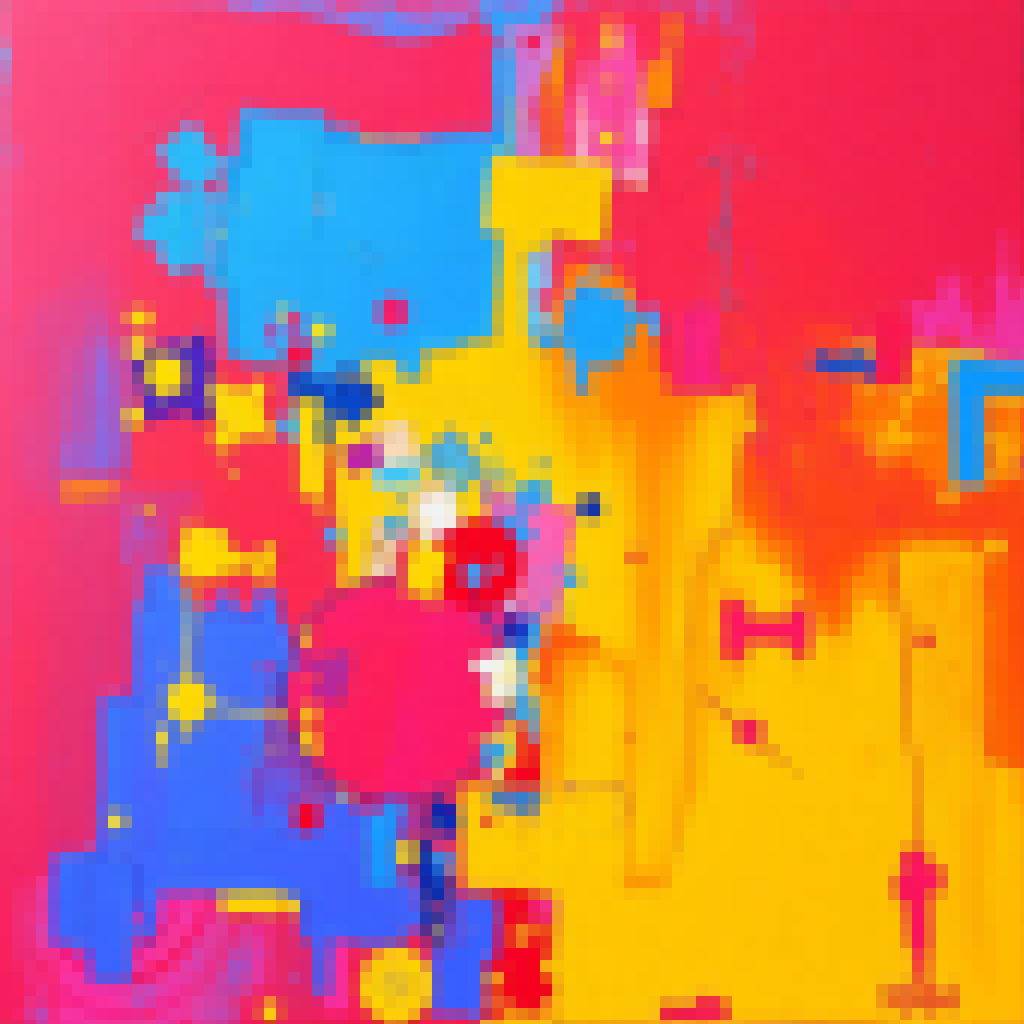
noise
::N Random grain/noise overlay.
Param Short Default Info intensity i, int, ::N 35 Noise strength density den 0.8 Fraction of pixels
noise::50 Presets :noise-film 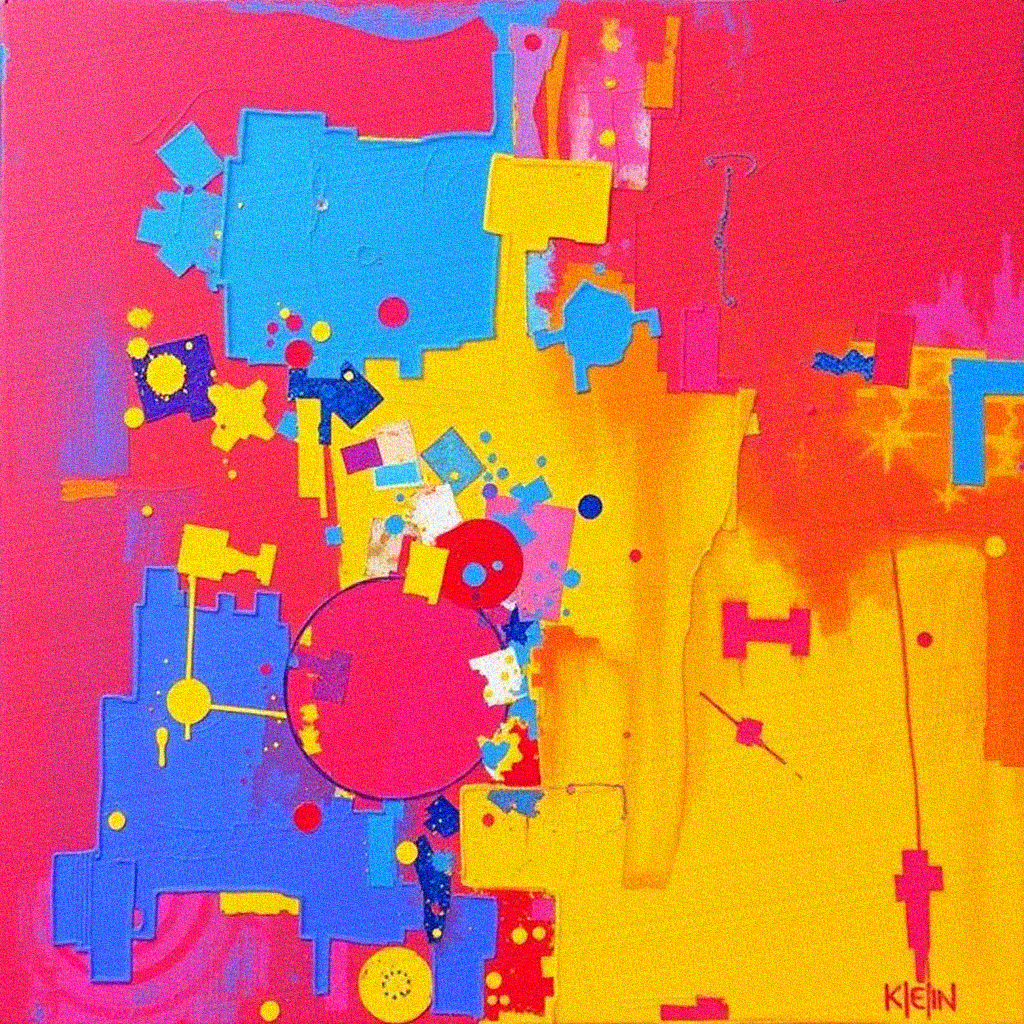
posterize
::N Reduce color levels per channel.
Param Short Default Info levels lv, ::N 5 Levels per channel
posterize::3 Presets :poster-retro 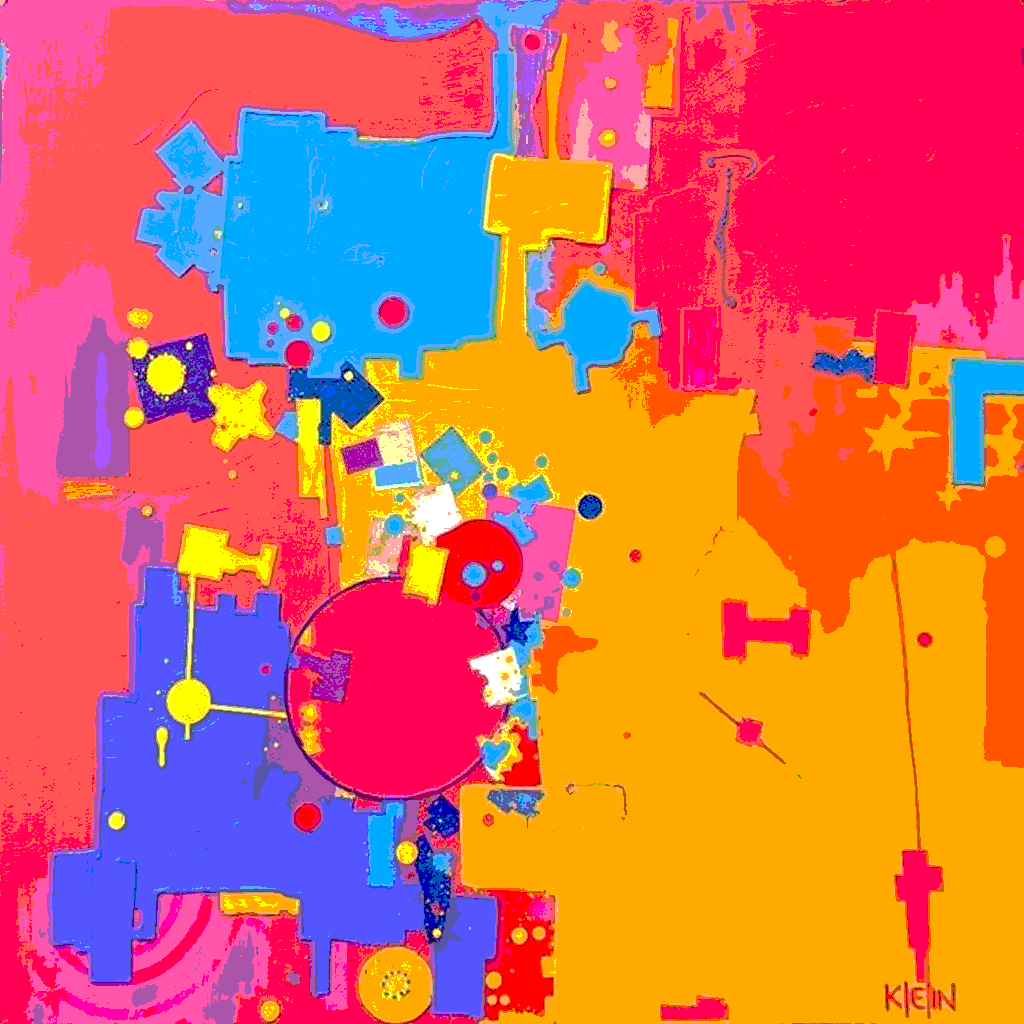
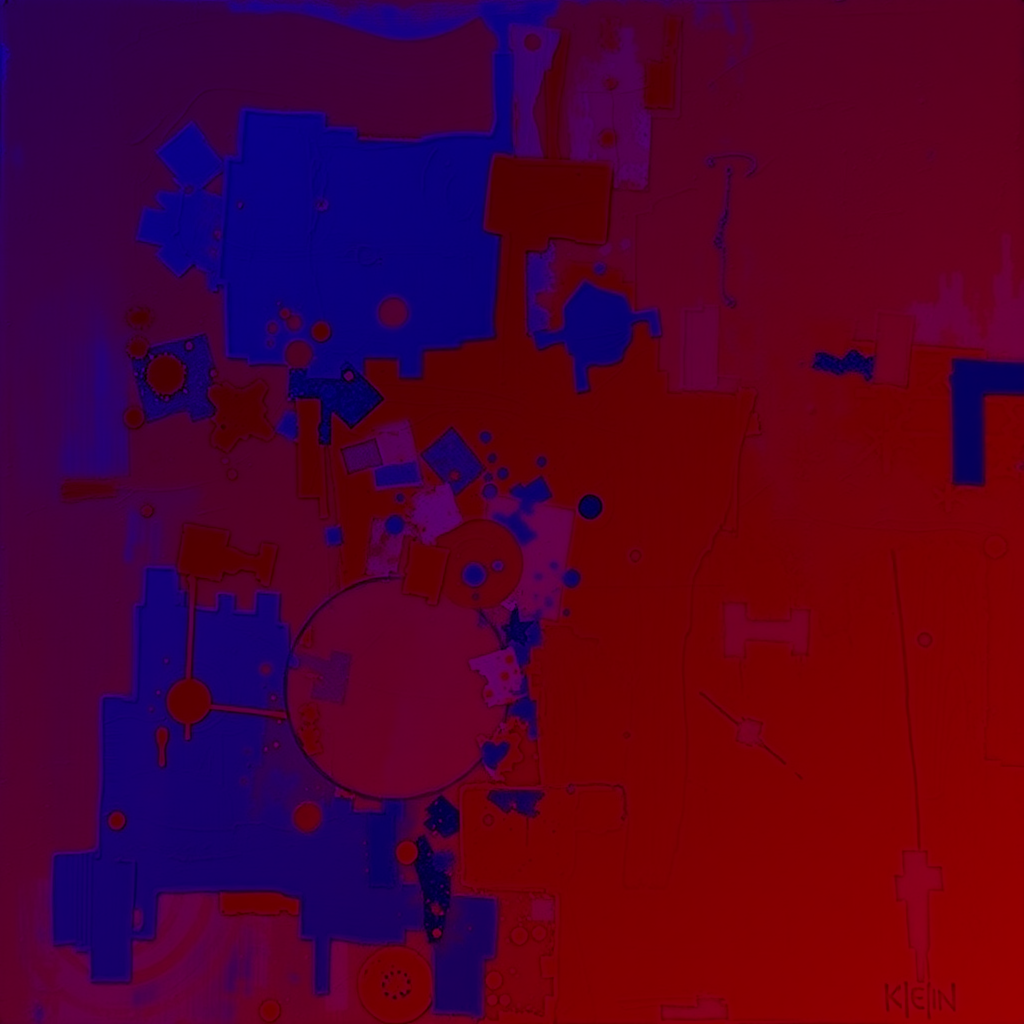
invert
Negative image — invert all or individual channels.
Param Short Default Info channels — "rgb" "rgb" / "r" / "g" / "b"
invert {:channels rb} 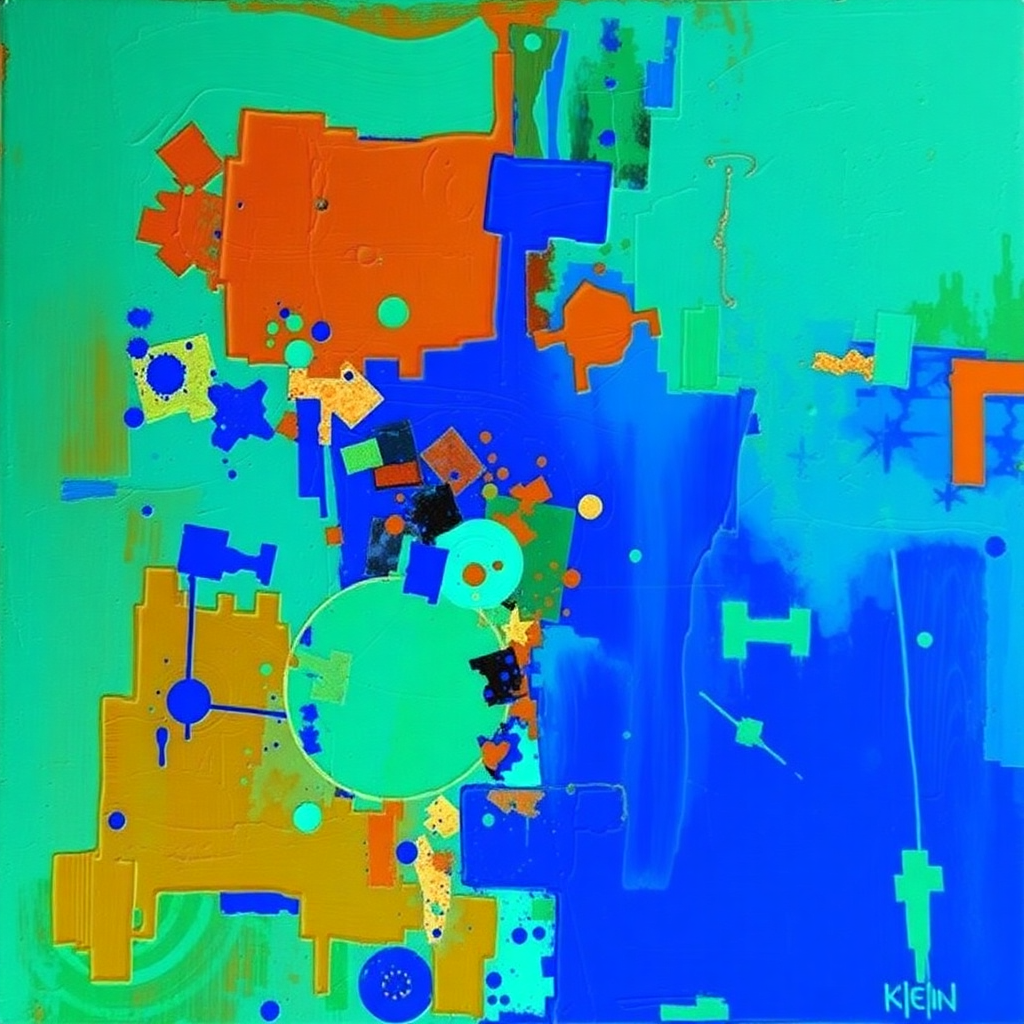
colorswap
color-swap colorshift color-shift Seedable hue rotation with bands and luminosity preservation.
Param Short Default Info seed ::N random Deterministic seed 0–9999 bands — seed-driven 1 / 2 / 3 bands strength str, st 1 Blend original↔swapped 0–1 preserveLuma preserveL true Keep luminosity
colorswap {:seed 42 :bands 2} Presets :color-psychedelic 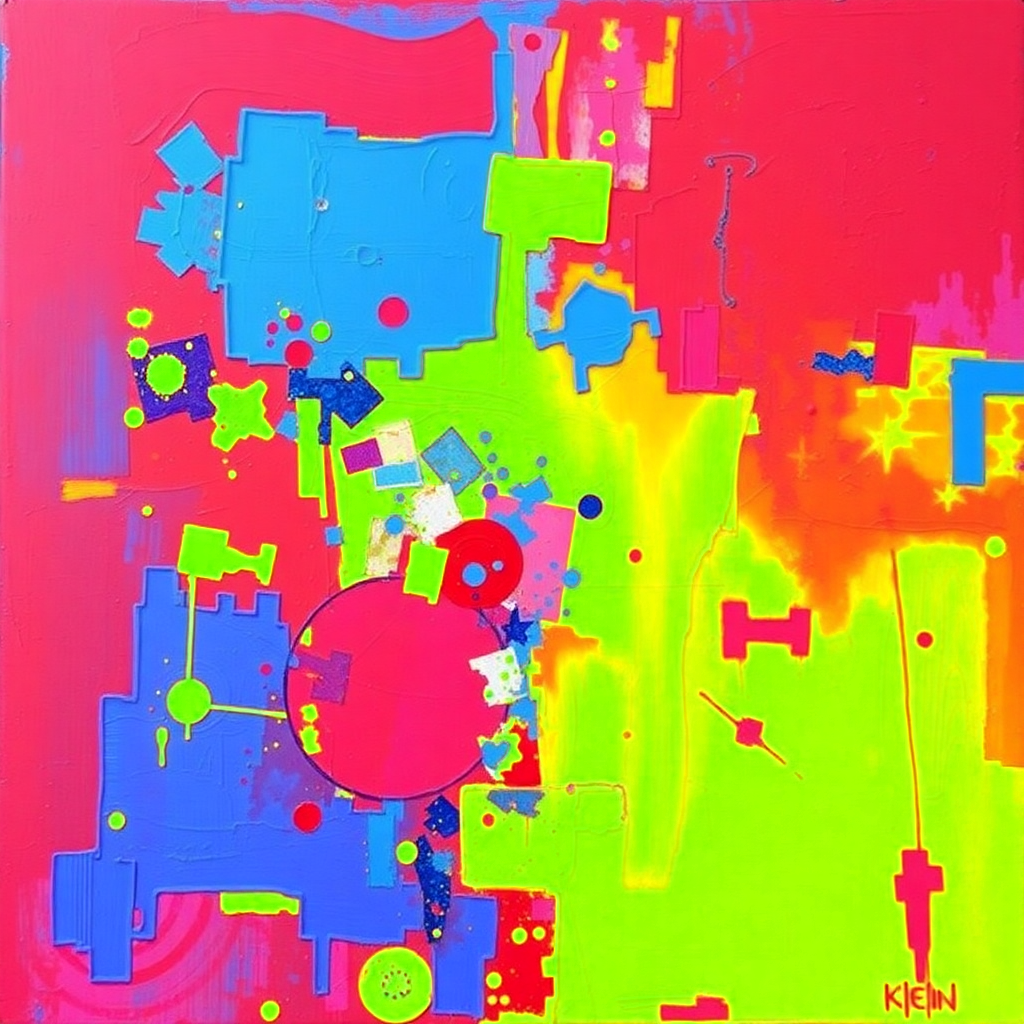
dither
::N Ordered Bayer dithering with configurable matrix size and levels.
Param Short Default Info size sz, ::N 4 Dither matrix size levels lv 2 Output levels strength — 1 Blend original↔dithered 0–1
dither::8 Presets :poster-retro :noise-film 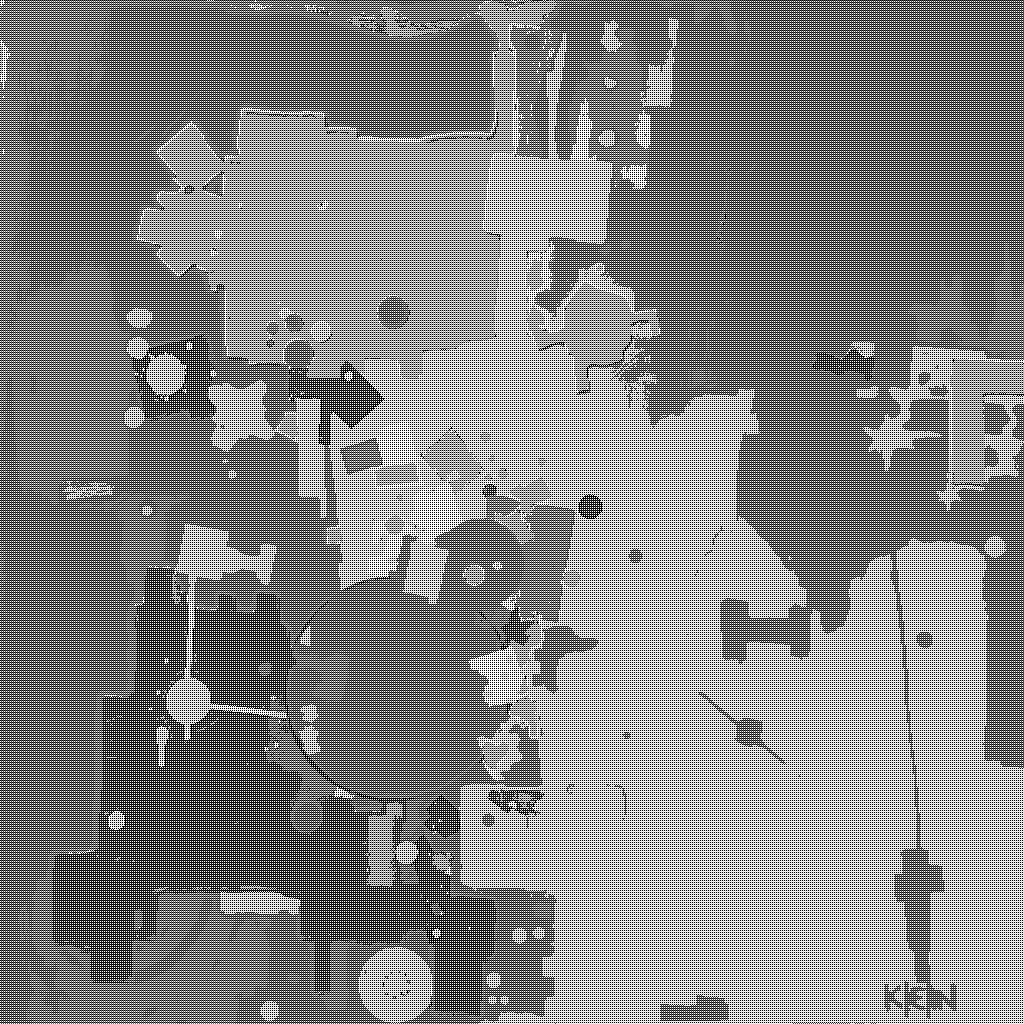
halftone
::N Simulate continuous tones with discrete dots.
Param Short Default Info size sz, ::N 6 Dot size mode — "classic" "classic" / "cmyk" / "line"
halftone::4 {:mode cmyk} 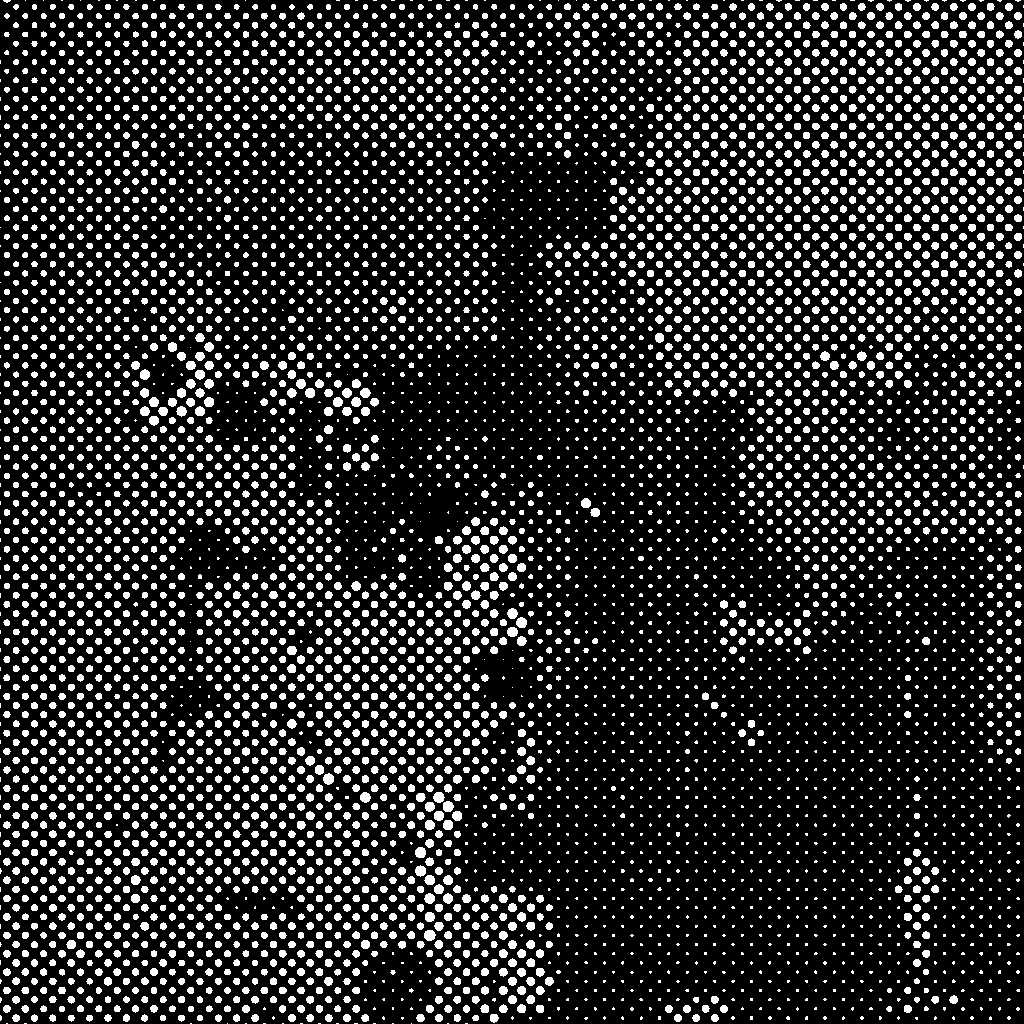
slice
slc Band displacement — datamosh / VHS tracking look.
Param Short Default Info mode — "horizontal" "horizontal" / "vertical" / "color" bands — 3–12 Total bands (random if not set) offset — 2–15% Average shift per active band density — 0.33 Fraction of bands that shift
slice {:mode color :bands 8} Presets :combo-slice-dither 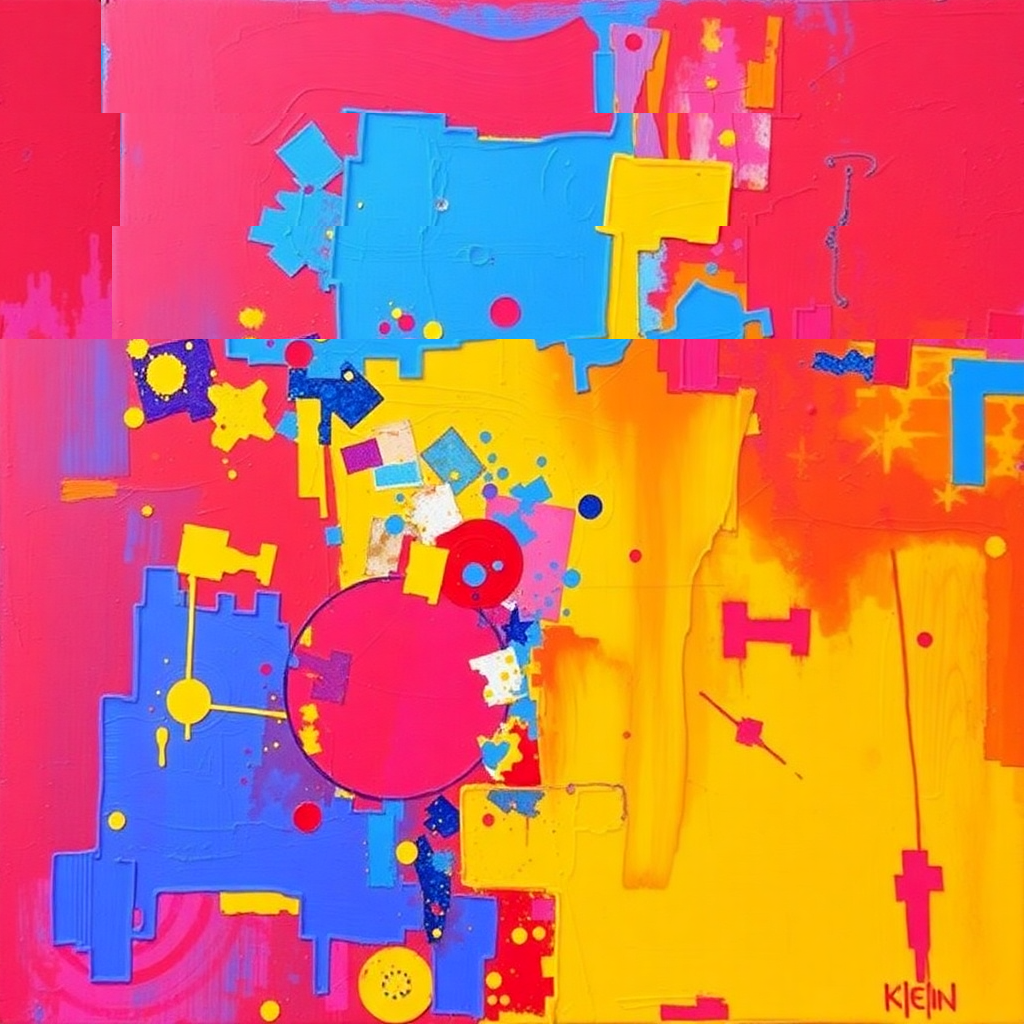
glow
bloom halo ::N Luminosity-based glow/bloom with hue shift and blend modes.
Param Short Default Info threshold t, th, thresh 0.5 Luminosity cutoff 0–1 radius r, rad 20 Blur radius px intensity i, int, ::N 1.0 Brightness multiplier passes p 1 Blur iterations 1–3 hue h null Hue shift degrees blend bl "addition" Blend mode
glow::2.0 {:t 0.3 :r 25 :h 180 :blend screen} Presets :glow-soft :glow-bloom :glow-halo 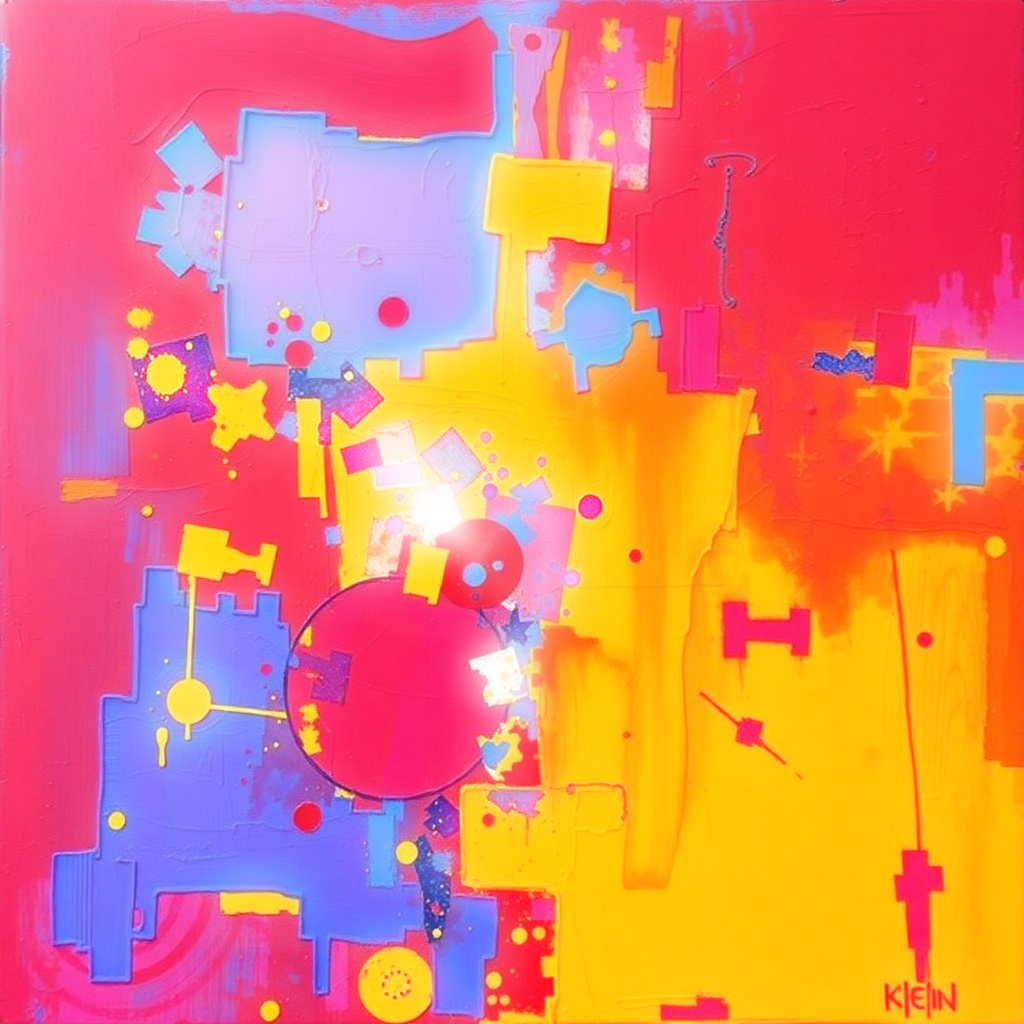
gradient
grad ::N Color overlay — linear, radial, or conic with blend modes.
Param Short Default Info mode — "linear" "linear" / "radial" / "conic" color c, c1 #ffffff Start color hex/name color2 c2 null End color (null = fade to transparent) direction d, dir, angle 180 Degrees for linear x — 0 Center offset % y — 0 Center offset % opacity o, alpha, ::N 0.5 0–1 feather f 0 Edge softness 0–1 blend bl "normal" Blend mode
gradient {:mode radial :c magenta :o 0.5 :blend screen} Presets :color-duotone 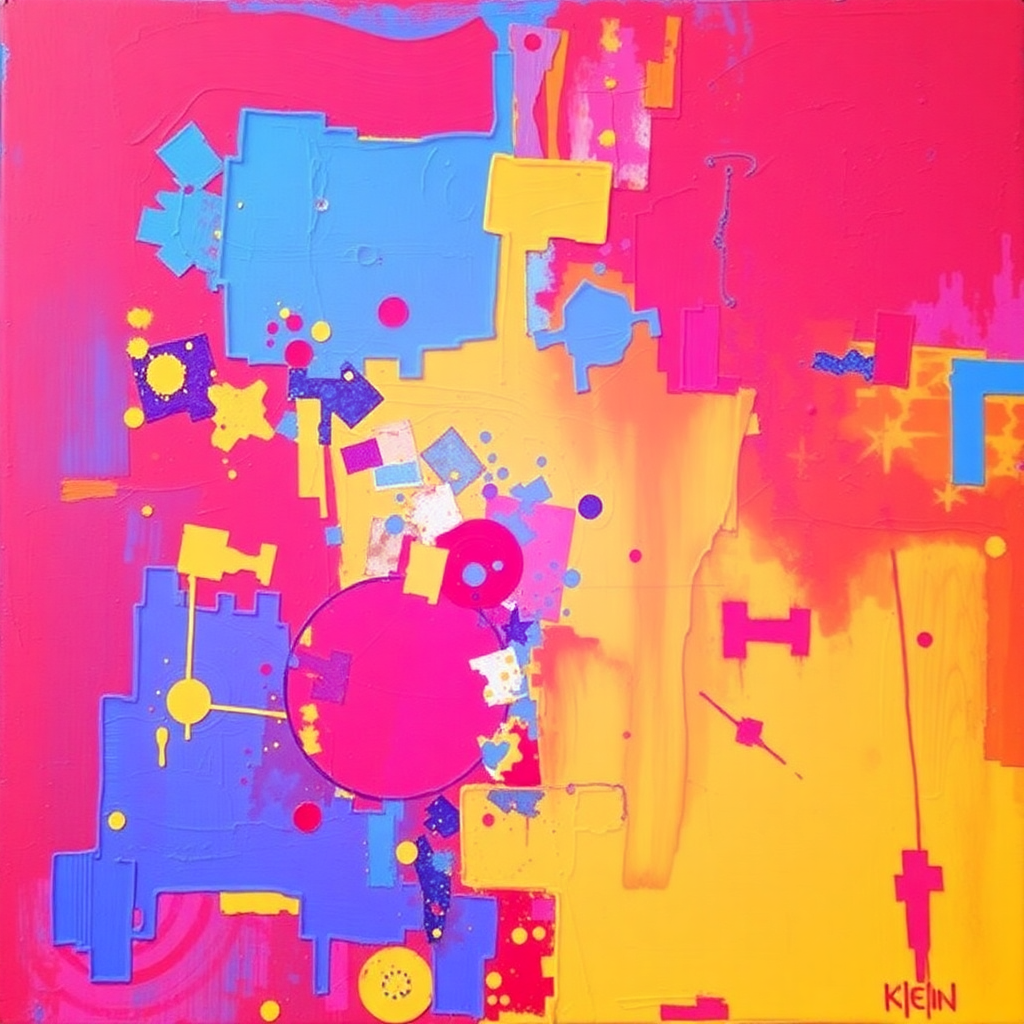
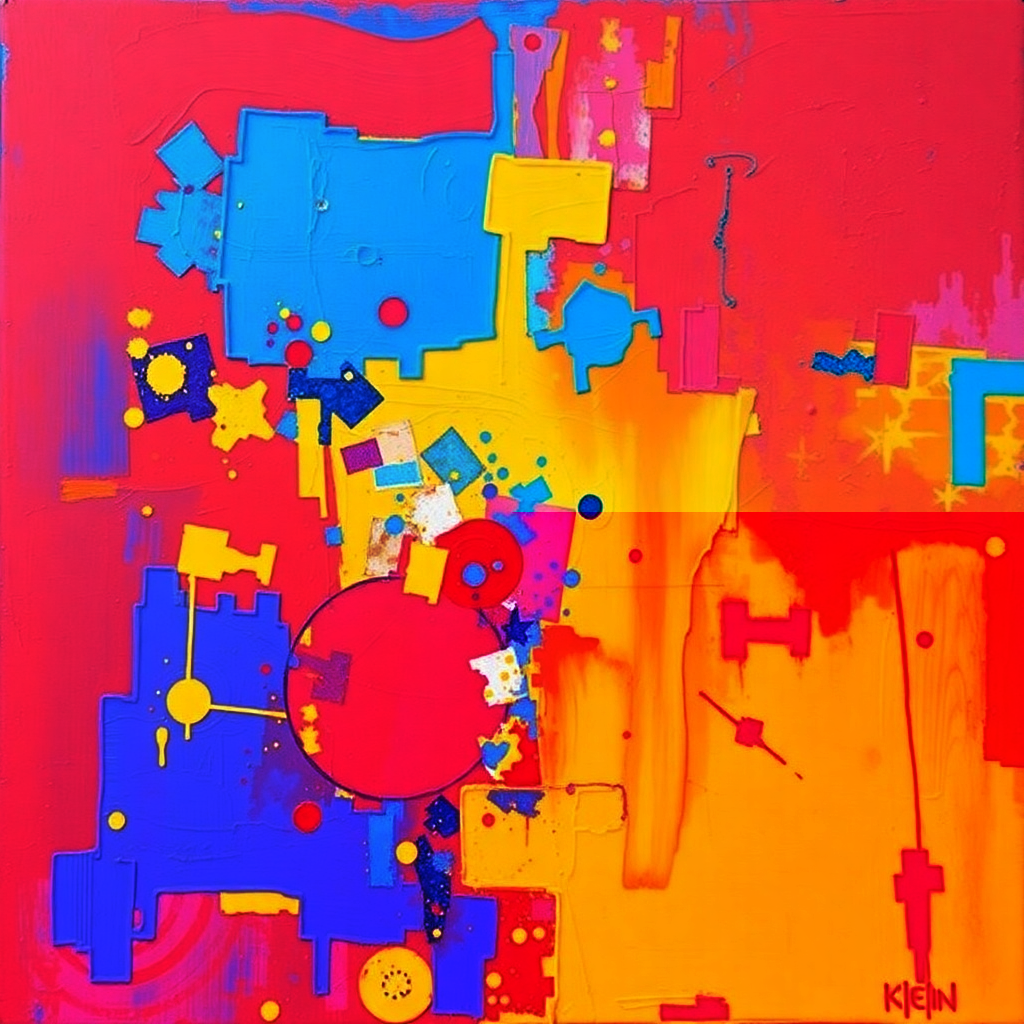
lens-distortion
lensdistortion lens-distort ::N Multiple distortion modes: barrel, pincushion, wave, swirl, spherical.
Param Short Default Info mode — "barrel" "barrel" / "pincushion" / "wave" / "swirl" / "spherical" strength str, st, ::N varies Intensity (varies by mode)
lens-distortion {:mode barrel :strength 1.5} 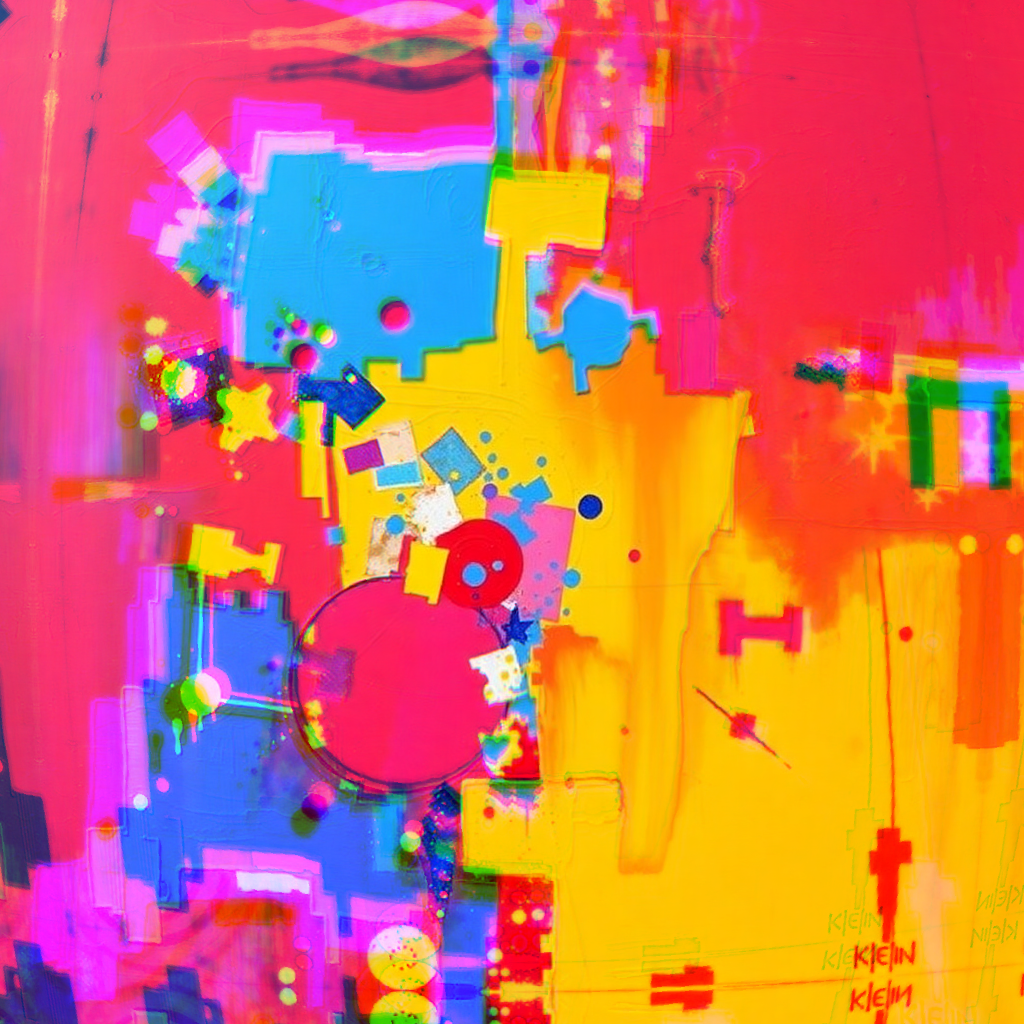
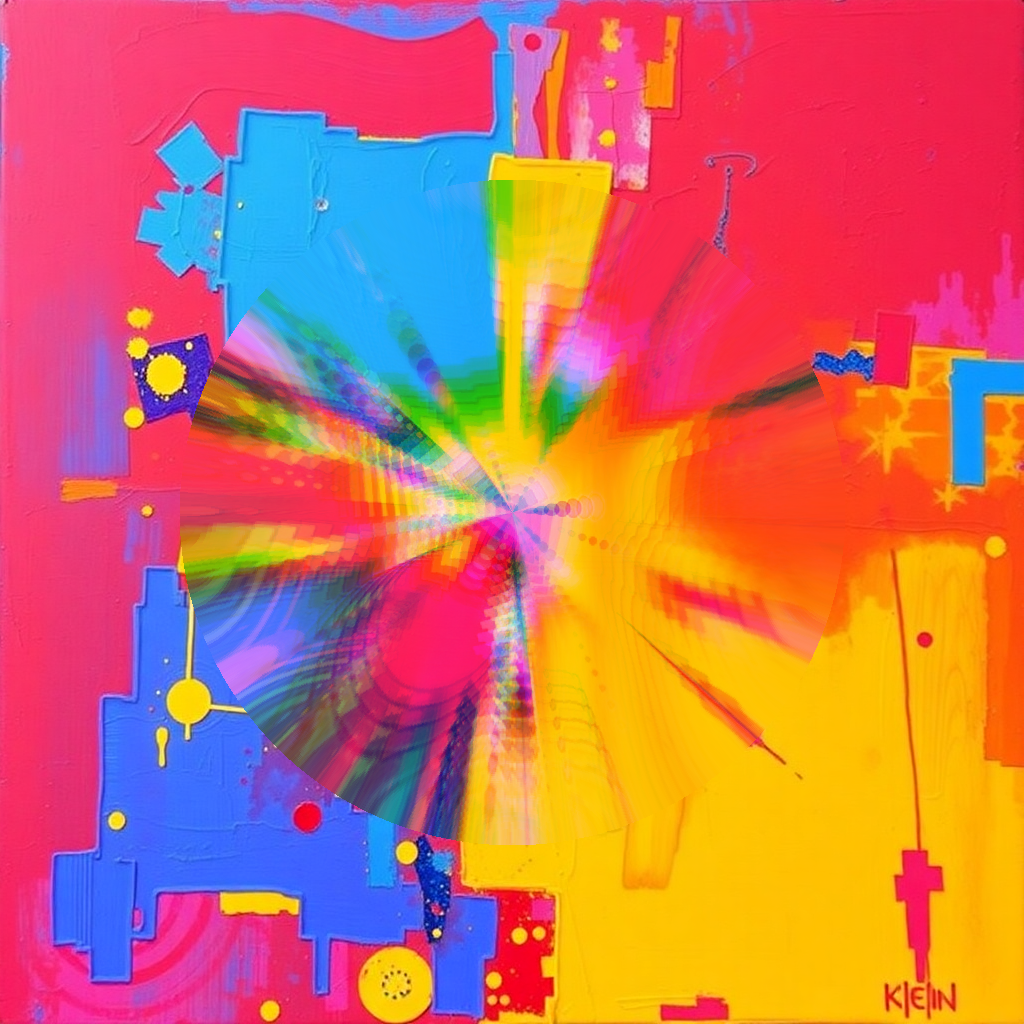
wave
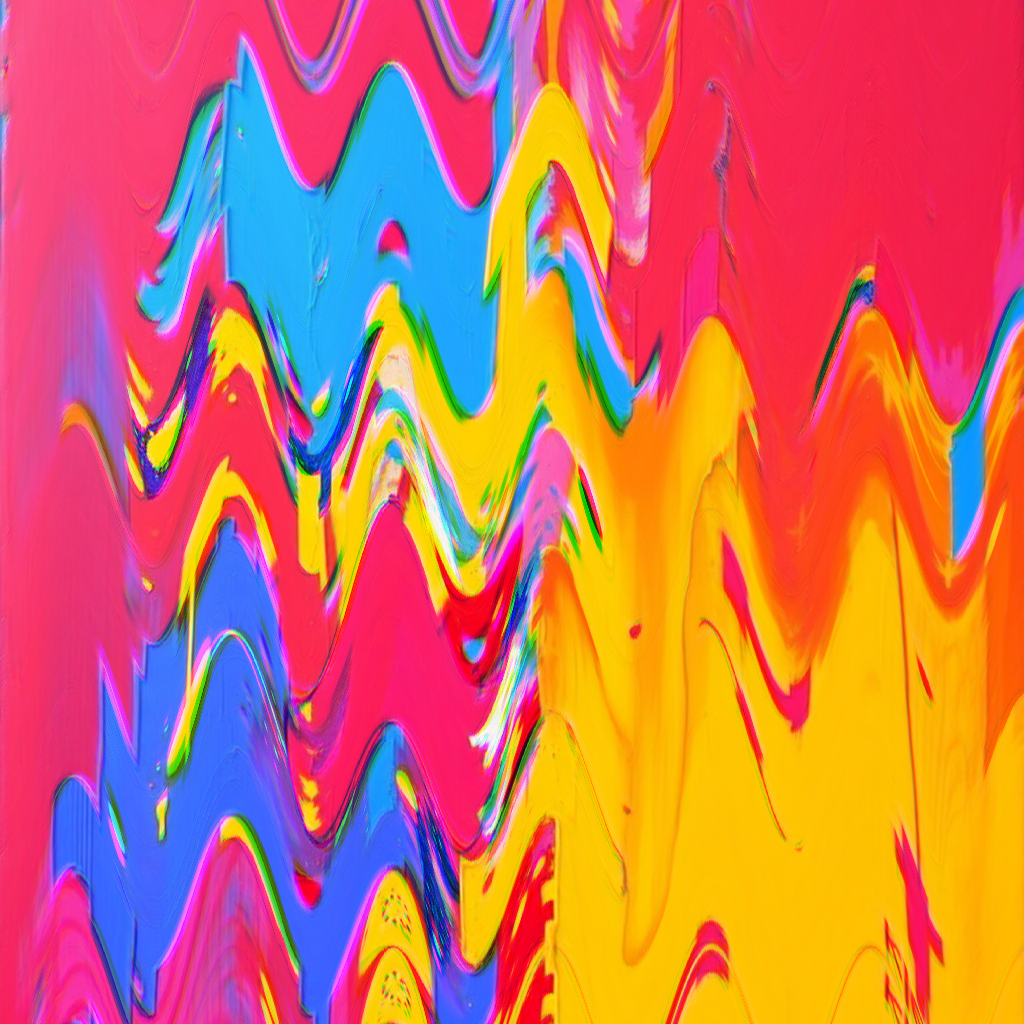
::N Sine wave displacement.
Param Short Default Info frequency ::N 0.05 Wave frequency amplitude — 20 Wave height px
wave::0.08 Presets :distort-wave swirl
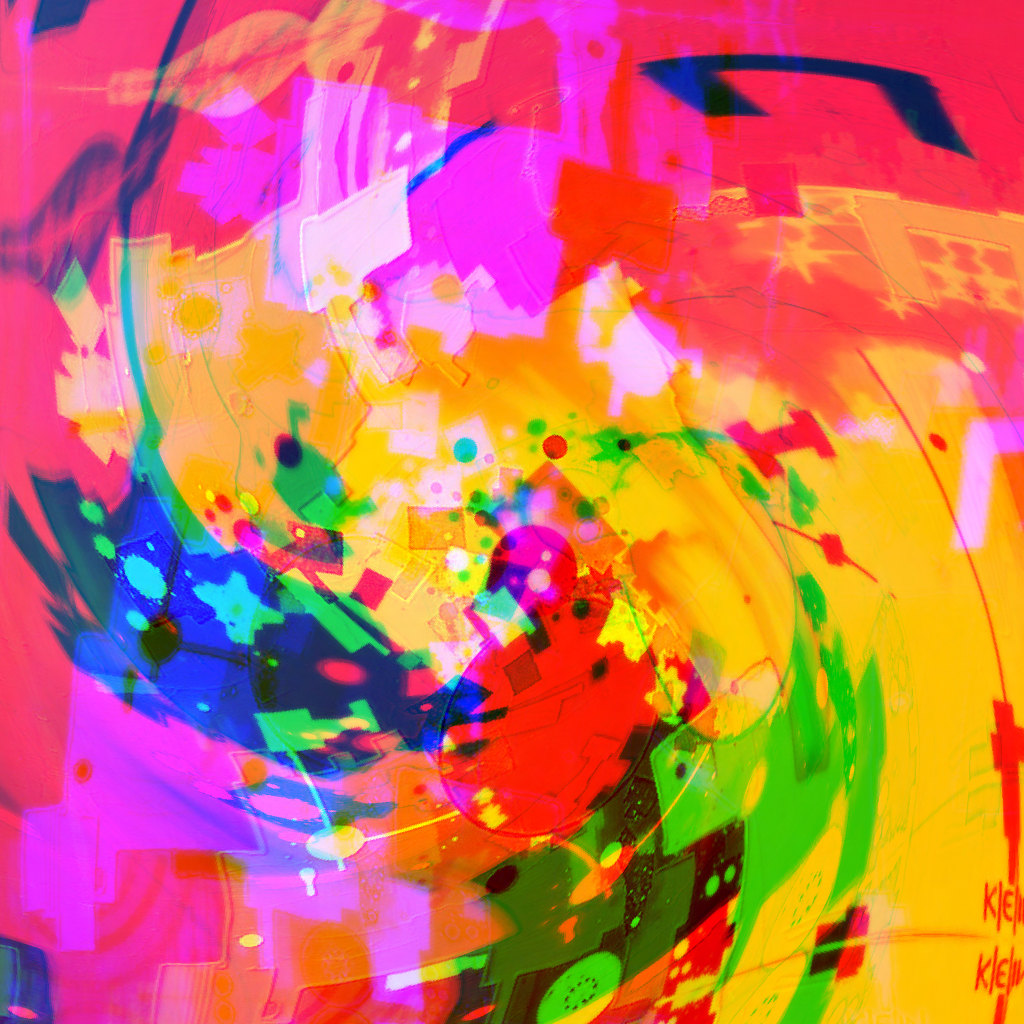
::N Rotational distortion around center.
Param Short Default Info strength str, st, ::N 1.0 Rotation amount
swirl::0.15 Presets :swirl-vortex :swirl-gentle :distort-funnel barrel
::N Barrel / pincushion lens distortion.
Param Short Default Info strength str, st, ::N ~1.0 Distortion intensity
barrel::1.5 Presets :distort-funnel spherical
::N Spherical projection distortion.
Param Short Default Info strength str, st, ::N ~1.0 Projection intensity
spherical::1.2 Presets :distort-globe globe
::N Superellipse globe lens with chromatic dispersion.
Param Short Default Info power ::N — Shape: 0=diamond, 1=circle, 100=square strength — — Lens projection intensity dispersion — — Chromatic fringe intensity radius — 0.65 Lens boundary size
globe::2 Presets :distort-globe Pipeline Actions
generate
action Create an image from a text prompt (Flux Schnell/Dev).
Param Short Default Info prompt — — Text description (positional) --schnell— yes Fast generation (default) --dev / --hq— — Higher quality, slower --model— — Explicit model name aspect-ratio ar "1:1" "1:1" / "16:9" / "9:16" / "4:3" ::N— 0.57 Strength 0–1
generate a cyberpunk cat Generate with default Schnell model remix
action Pull an image from the conversation thread into the pipeline.
Param Short Default Info target — smart "last" / "first" / "quote" / "prev" (smart fallback) imageIndex — 1 1-based index for multi-image casts, e.g. :image 2
remix quote Remix the quoted cast's image img2img
action Transform image with a text prompt (Qwen AI).
Param Short Default Info prompt — — Transformation instruction (positional)
img2img make it look like a painting mask
action pipeline Selective effect application — next effect only applies within masked regions.
Param Short Default Info mode — "saturation" See mask modes below threshold t varies Mode-dependent feather f 0 Edge softness 0–1
mask {:mode radial :r 0.5 :f 0.3} | kaleidoscope::6 Kaleidoscope only in the radial mask region Presets :mask-neon :mask-saturation-pop :mask-edges-reveal Mask Modes
Modes for the mask action. Each generates a different selection region.
saturation
Select pixels by saturation level. Low-saturation areas (grays/blacks) get masked out.
mask {:mode saturation :threshold 40} | posterize::3 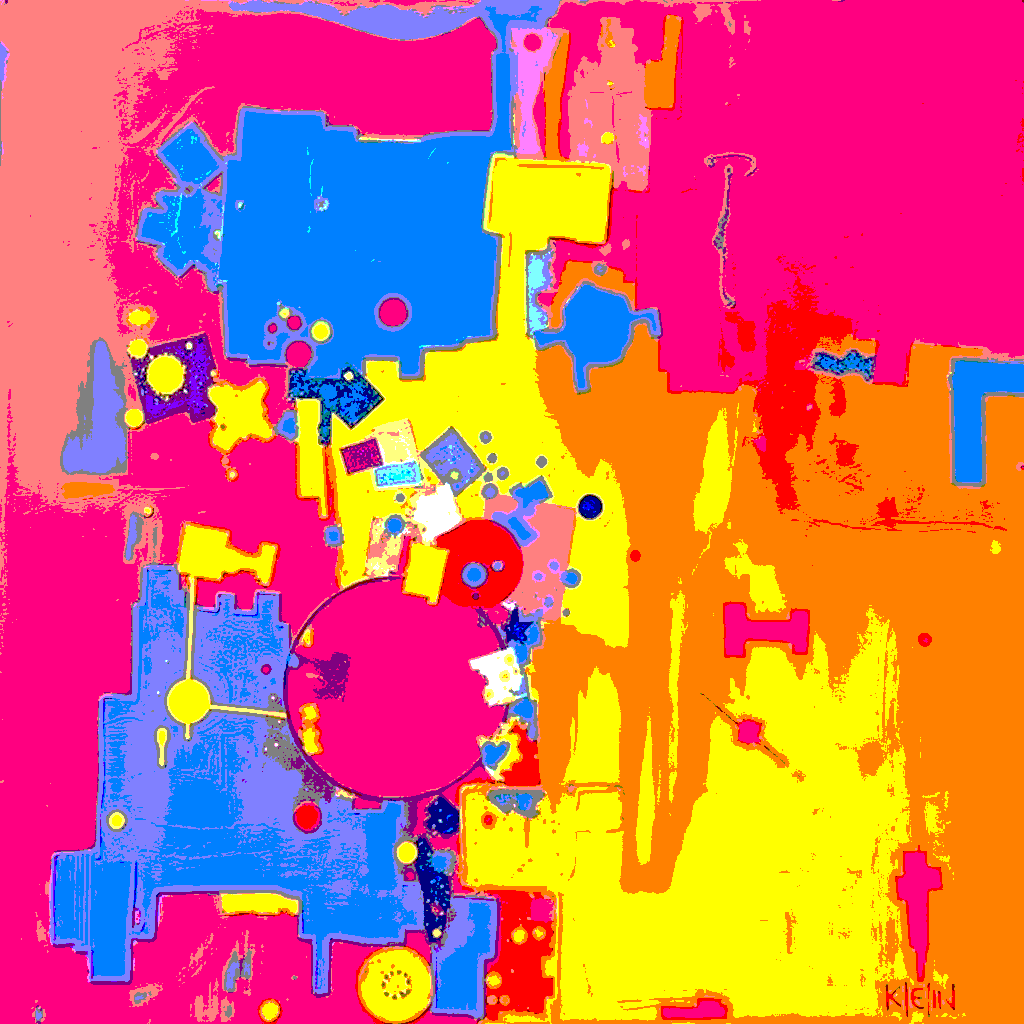
radial
Circular gradient mask from center. Use r for radius, f for feather.
mask {:mode radial :r 0.5 :f 0.3} | kaleidoscope::6 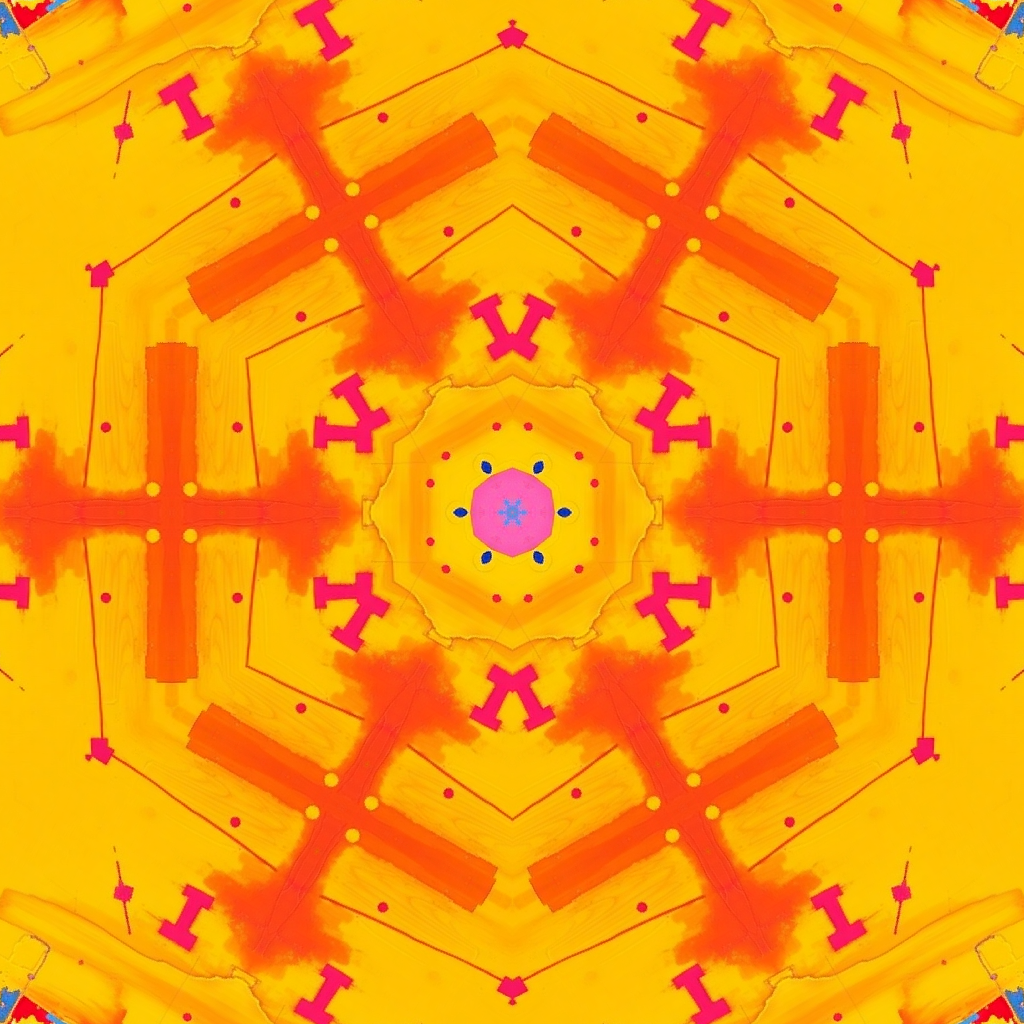
noise
Random noise-based mask. Use scale for grain size, f for feather.
mask {:mode noise :scale 0.03 :f 0.5} | rgb-shift {:shift 25} 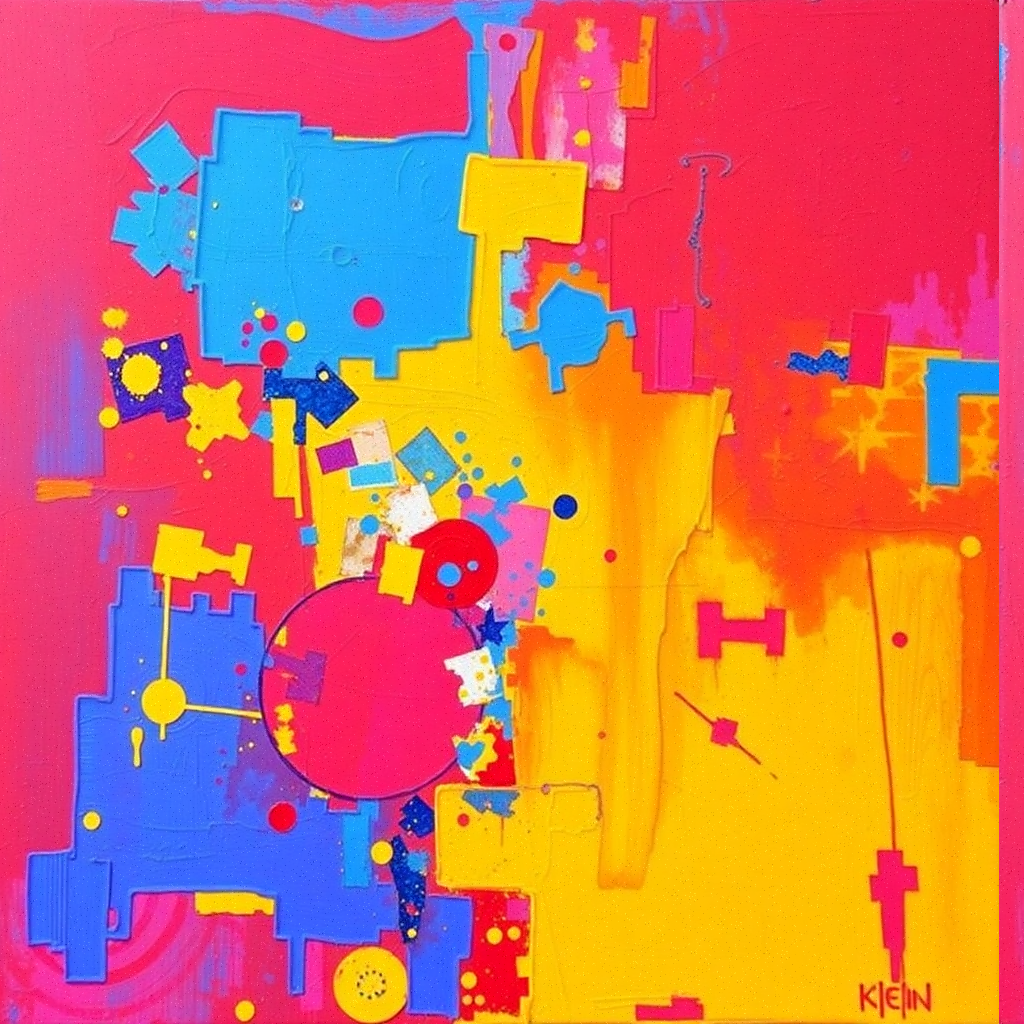
edges
Select based on edge detection. Use blur for pre-smooth, threshold for sensitivity.
mask {:mode edges :blur 3 :threshold 0.1} | colorswap 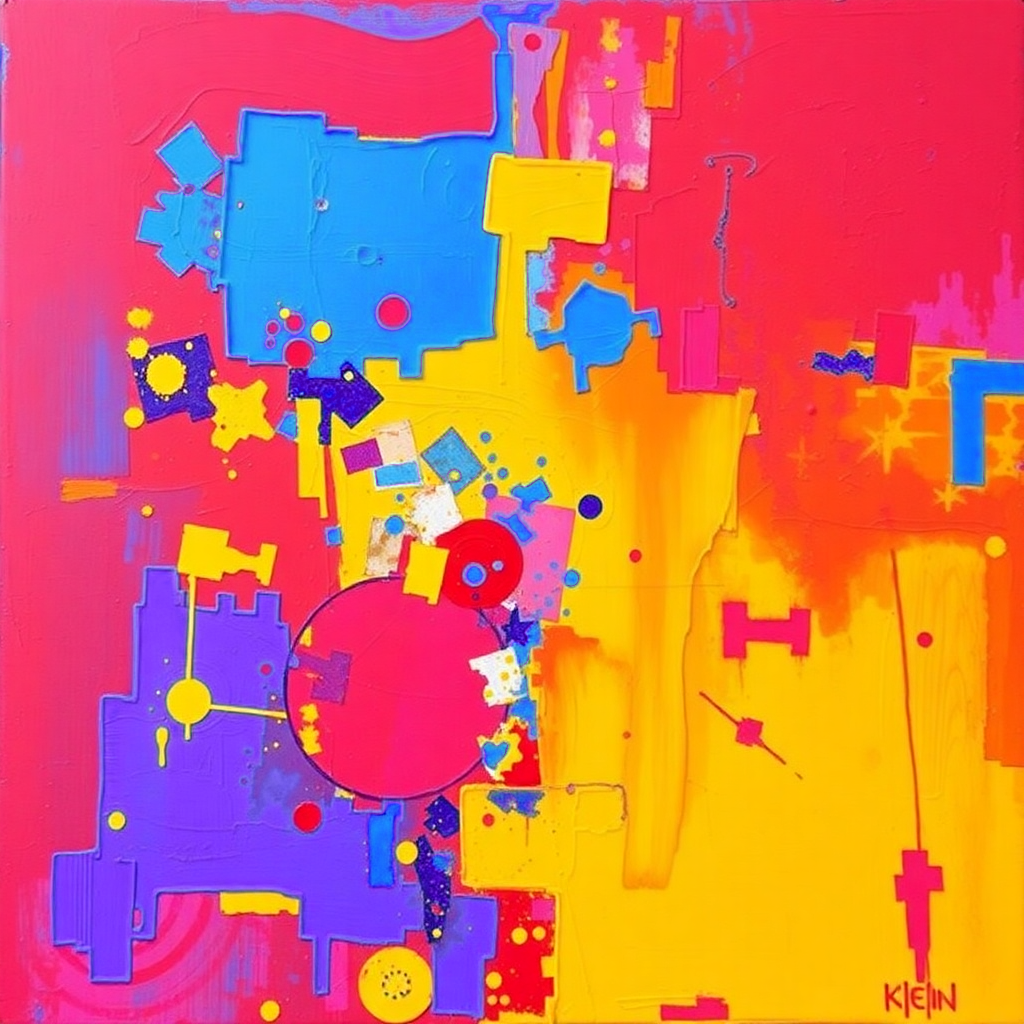
brightness
Select pixels by luminosity. Isolate bright or dark areas. Alias: luminosity.
mask {:mode brightness :threshold 40} mask/brightness::60 color
Select pixels by HSL hue range. 28 named colors with +/-25 degree spread. Supports manual hueMin/hueMax, satMin/satMax, lumMin/lumMax, feather, invert.
mask/color::blue mask/color::pink,30 mask {:mode color :hueMin 200 :hueMax 260} Color Hue Color Hue red0 coral16 salmon10 peach25 orange30 amber40 gold45 yellow60 lime80 green120 emerald145 teal170 turquoise175 cyan180 azure210 navy220 blue240 indigo260 lavender270 purple280 violet290 magenta300 pink330 rose345 crimson350 autodetect
color auto
Auto-detect the dominant hue in the image and mask it. Optional N percent caps pixel coverage.
mask/color::auto mask/color::auto,30 blocks
Grid-based random blocks. Chunky, geometric selection.
mask {:mode blocks :density 0.5} face
Skin detection produces organic ellipse around detected face region.
mask {:mode face} diamond
Centered diamond shape.
mask {:mode diamond :scale 0.8} Common mask parameters (all modes):
Param Range Info :feather0-1 Edge softness. 0 = hard, 1 = very blurred :inverttrue Flip the mask (selected/unselected) :threshold0-100 Cutoff for saturation/brightness/edges :scale0-2 Size for shape masks
Color mask extra parameters:
Param Range Info :hueMin / :hueMax0-360 Manual hue range (overrides named color) :satMin / :satMax0-1 Filter by saturation. e.g. satMin 0.3 skips grays :lumMin / :lumMax0-1 Filter by lightness. e.g. lumMax 0.7 skips brights
Combo Walkthrough
Multi-step pipelines chaining effects together. Click any command to copy.
1 Glow + Gradient Overlay gradient {:mode radial :c magenta :o 0.5 :blend screen} | glow::1.5 {:t 0.35 :r 35} 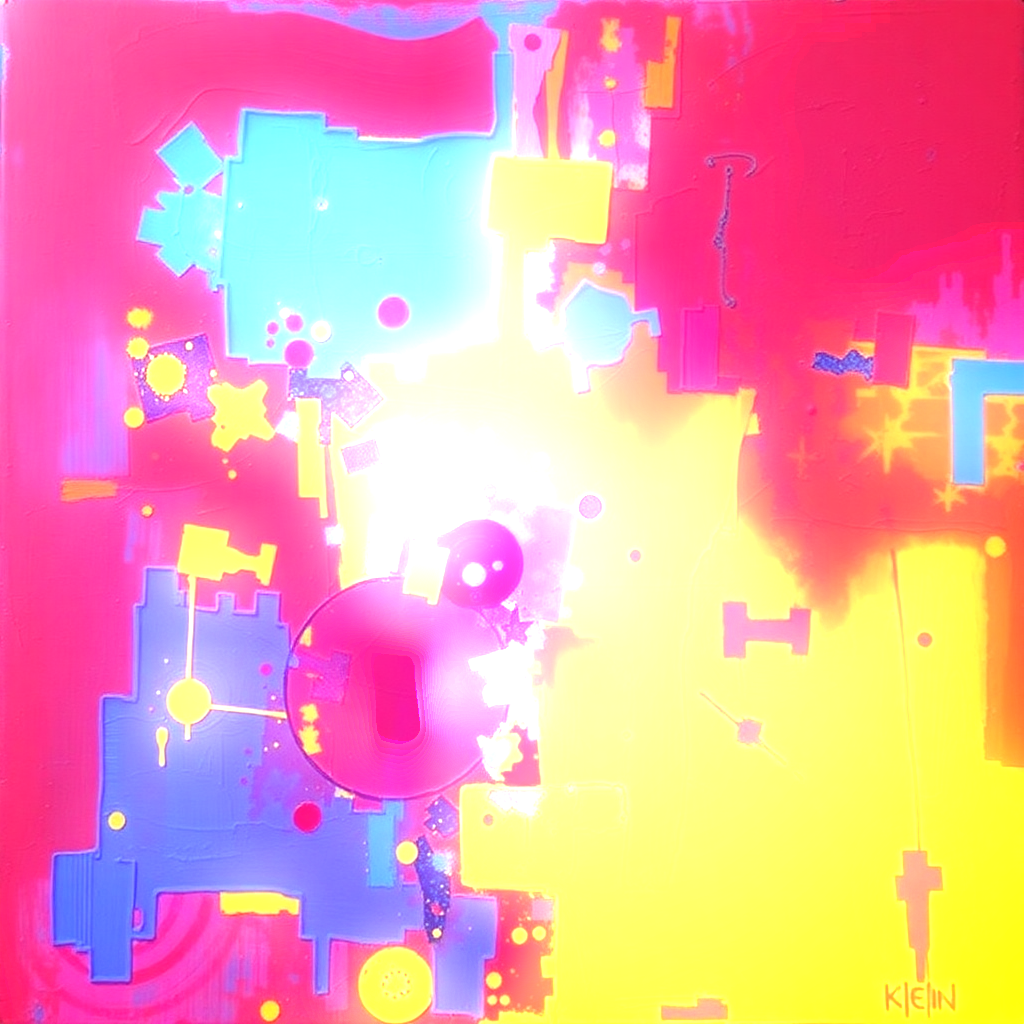 2 Kaleidoscope + Noise + Glow kaleidoscope::8 {:z 1.2 :sa 30} | noise::40 | glow::1.0 {:t 0.5 :r 15}
 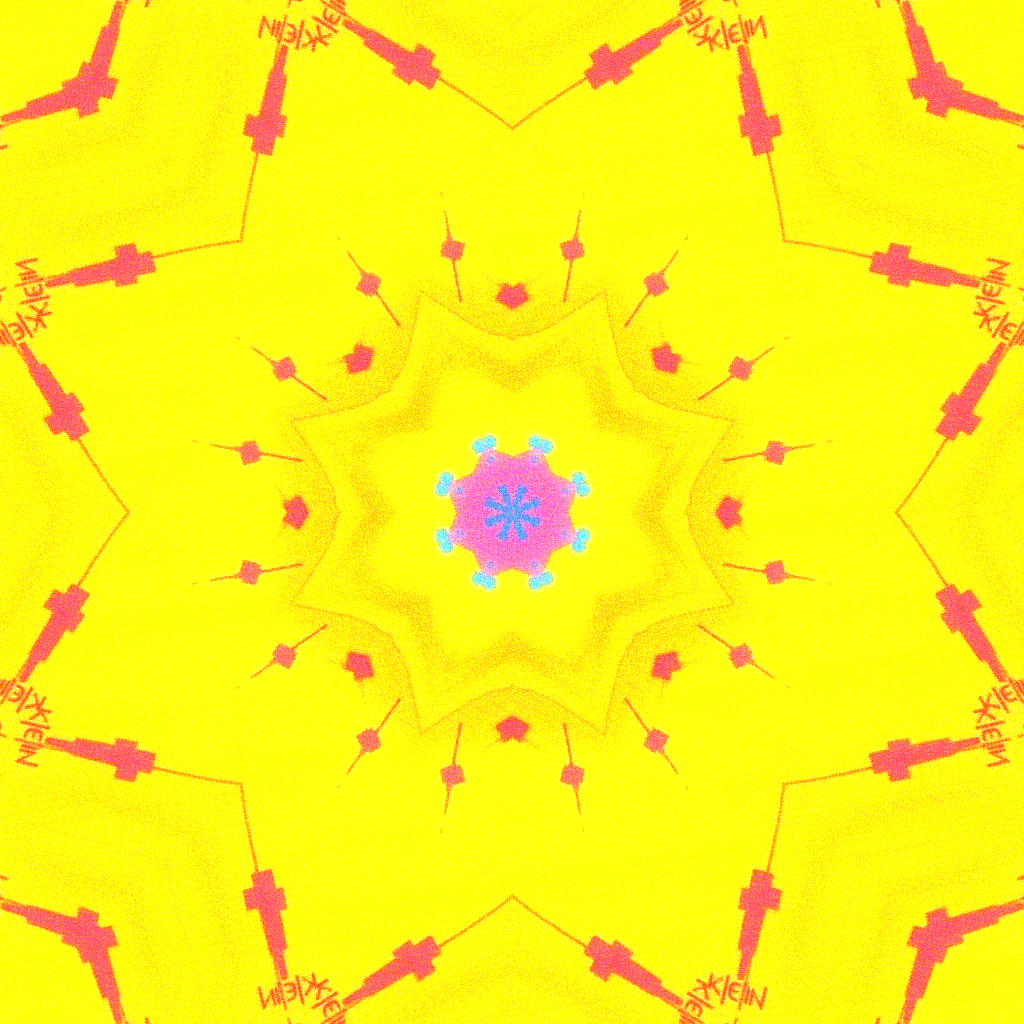 3 Dark Atmosphere gradient {:mode linear :c #000022 :o 0.7 :blend multiply} | glow::2.5 {:t 0.2 :r 40 :p 2 :blend screen}
 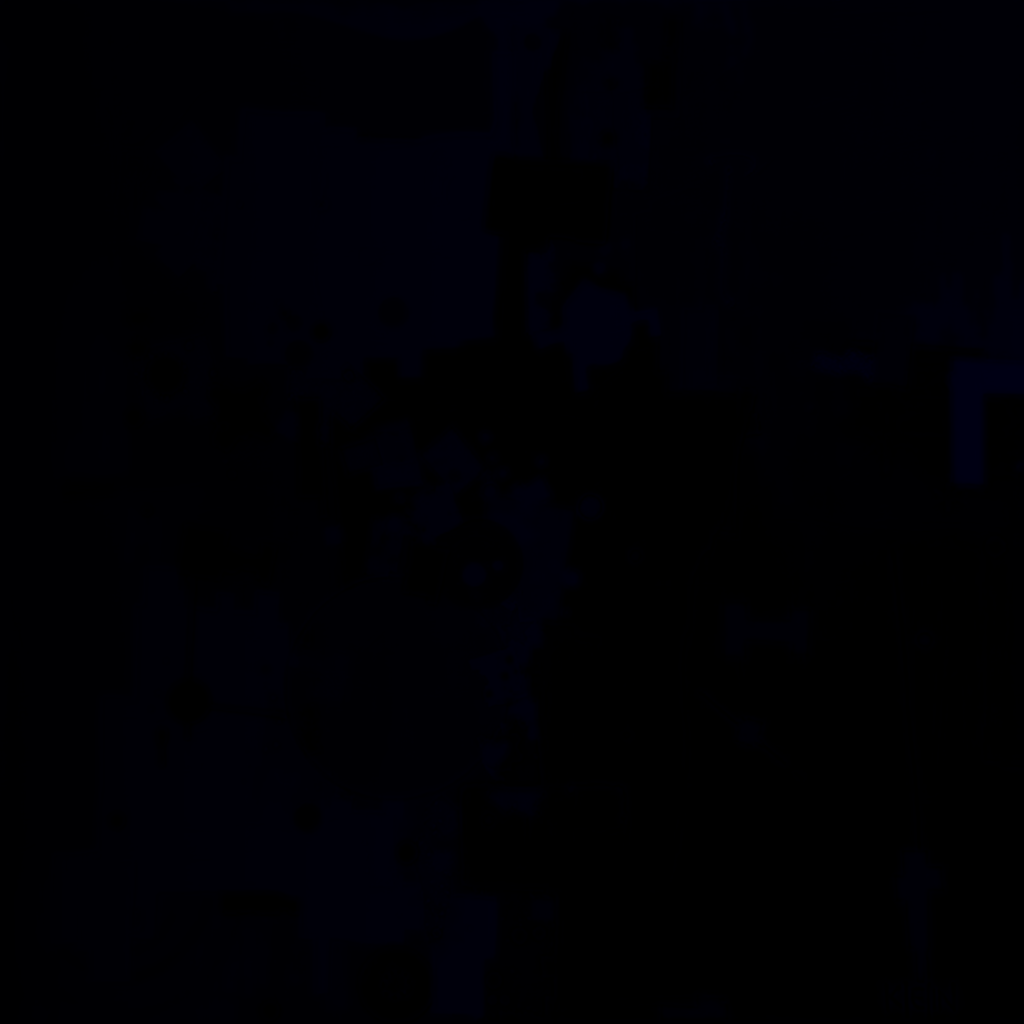 4 Glitch Art rgb-shift {:shift 20} | pixel-sort {:threshold 0.3} | glow::1.8 {:t 0.4 :r 20 :h 90 :blend screen}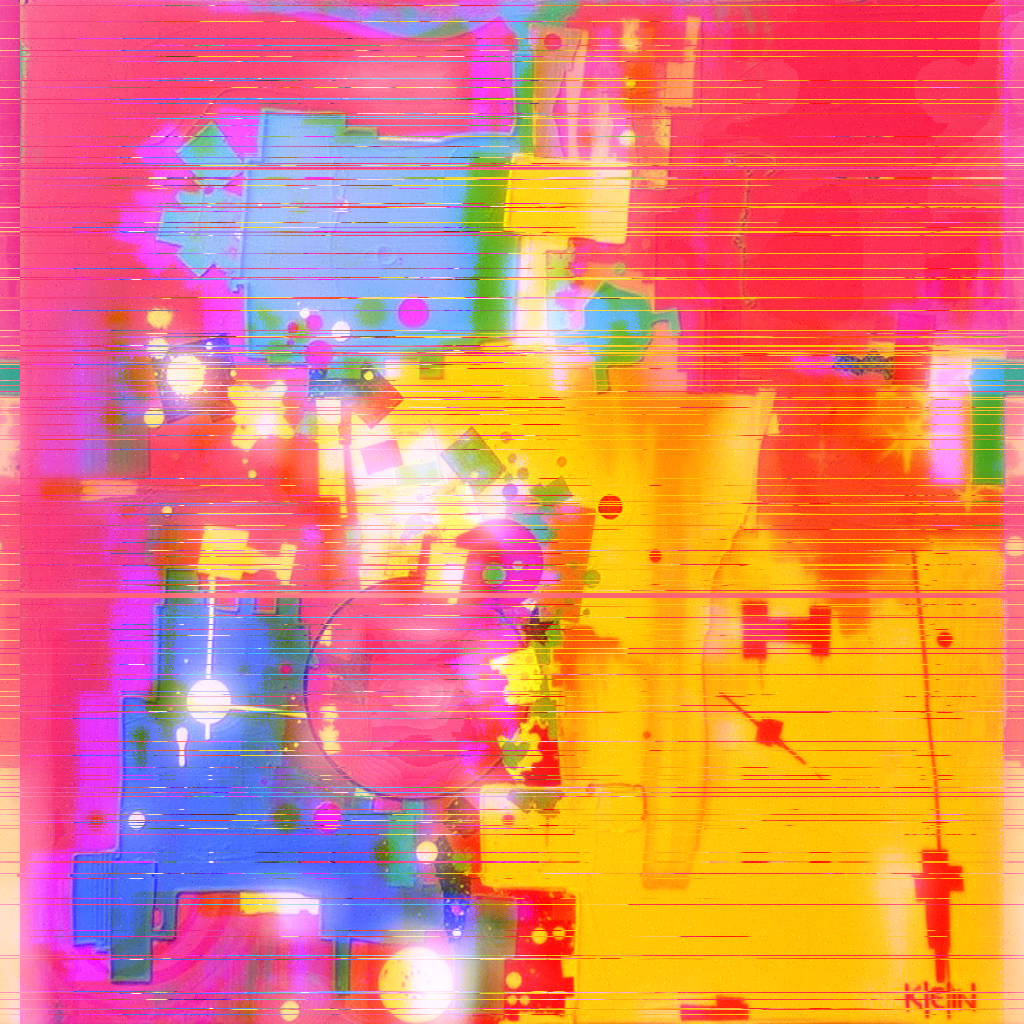
Presets
Built-in presets available to everyone. Use :name to expand a preset in any pipeline. Override params with {:key value} after the preset name.
Kaleidoscope
:kaleido-mandala mask radial → k6 → glow :kaleido-crystal mask radial → k4 zoomed → swirl :kaleido-infinity k8 zoomed → k3 rotated Pixel Sort
:sort-cascade sort vertical → sort horizontal :sort-bleed heavy sort → glow RGB Shift
:rgb-ghost mild rgb-shift → soft glow :rgb-shatter heavy rgb → sort → noise Mask Combos
:mask-neon color mask → colorswap → glow :mask-saturation-pop sat mask → posterize → glow :mask-edges-reveal edge mask → invert → glow Distortion
:distort-wave wave horizontal → wave vertical :distort-funnel barrel → swirl → glow :distort-globe spherical → k2 masked Glow / Light
:glow-soft ambient glow 0.3 :glow-bloom bloom 0.6 → glow 0.2 :glow-halo radial halo 0.5 Style
:poster-retro posterize 4 → dither 2 :pixel-8bit pixelate 8 → posterize 6 :noise-film noise → dither → posterize :color-psychedelic colorswap → hue-rotate → glow :color-duotone gradient overlay 2-color Swirl
:swirl-vortex strong swirl → glow :swirl-gentle subtle centered twist Full Combos
:combo-glitch-art sat mask → rgb → sort → glow :combo-ethereal luma mask → k6 → bloom → swirl :combo-slice-dither random slice → dither → posterize Usage
:kaleido-mandala Expand preset as the full pipeline :kaleido-mandala {:threshold 70} | swirl::0.1 Override mask threshold, then chain swirl Advanced
Snapshots
Save intermediate pipeline results. Use @name after any step to snapshot it, then reference it later with @name.
generate portrait @base | rgb-shift @shifted | @base | kaleidoscope::6 Snapshot base and shifted, reuse base for kaleidoscope Custom Presets
Save your own effect combos with preset save <name>. Use :name to expand, {:key value} to override params. Your presets are personal — built-in presets are listed in the Presets section above.
:myglitch | glow::2.0 Expand a saved preset, then add glow Range Sweep
Generate multiple outputs by sweeping a parameter across a range. Use {:param start..end :steps N}.
kaleidoscope::8 {:z 1.0..2.0 :steps 5} 5 images with zoom from 1.0 to 2.0